Drawing practice with your references
DrawTheDraw
Start timed drawing practice fast. Run gesture or side-by-side reference sessions, repeat the same subject, compare attempts, and redo or continue later.
How you use it
- Add one or more folders of reference images.
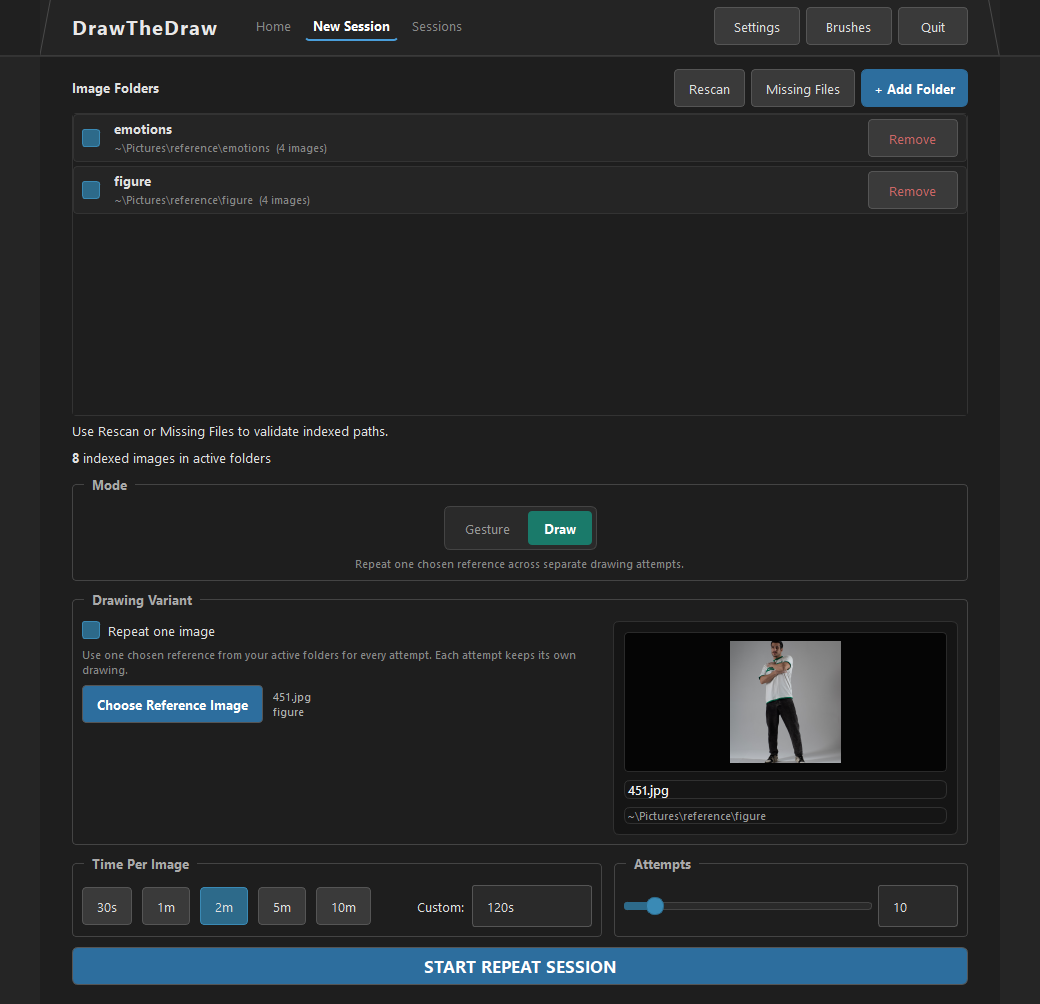
- Choose timed Gesture, side-by-side Drawing, or Repeat One Image practice.
- Set the time and number of images or attempts, then start drawing.
- Review your work beside the original, redo the session, or continue a saved drawing.
Practice, repeat, and review
Build a practice habit
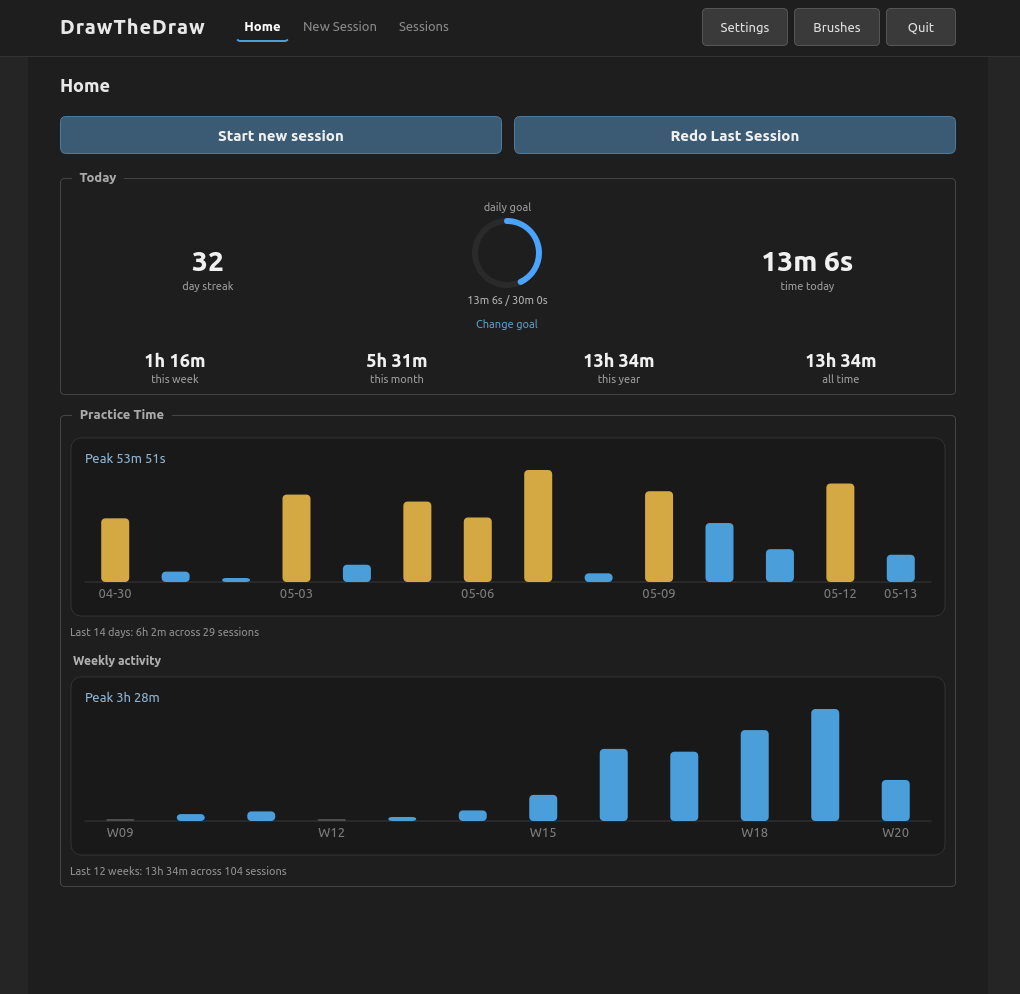
Home shows engaged practice time, daily-goal progress, recent activity, and an optional daily streak.
Repeat deliberately
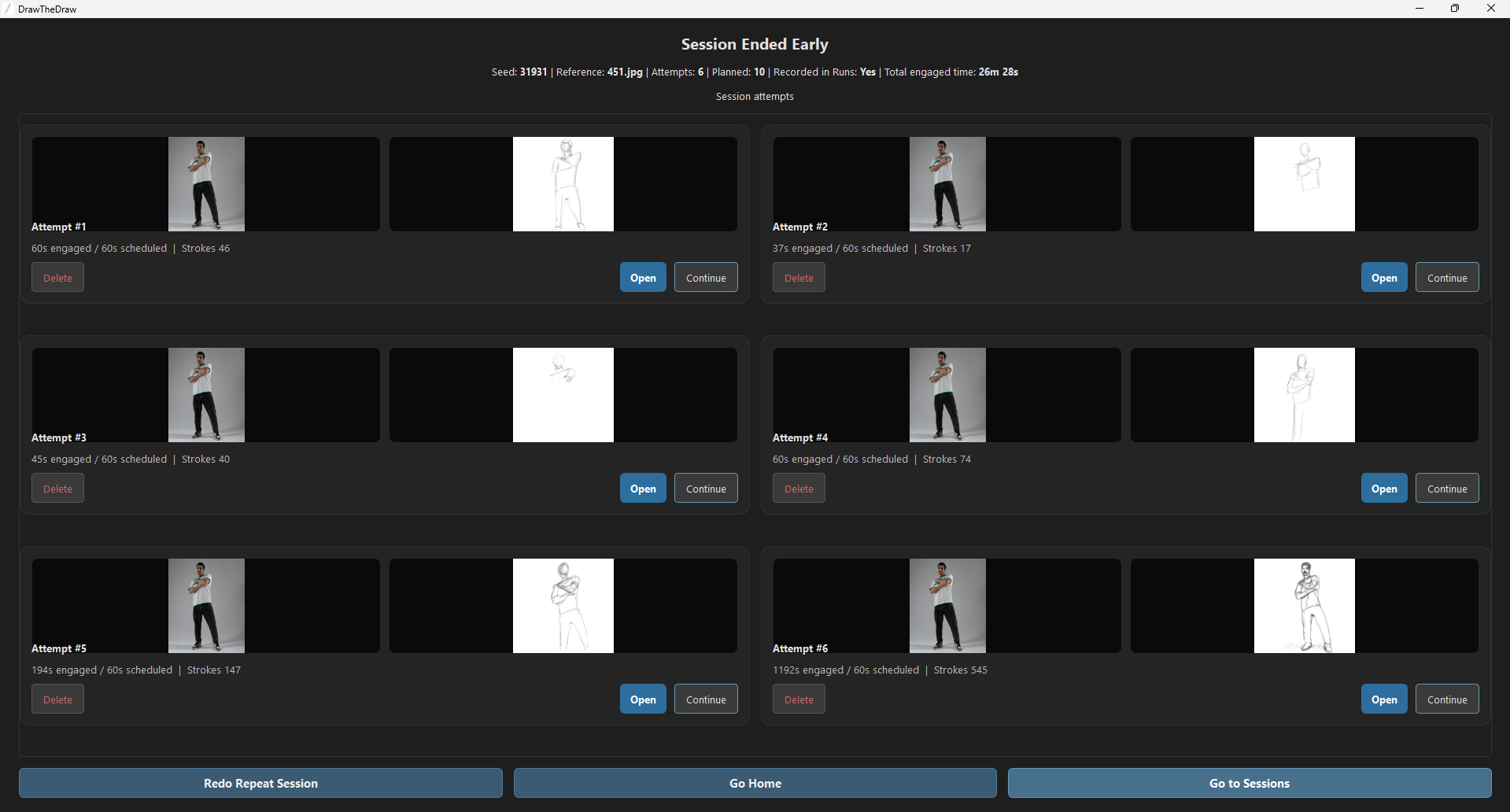
Pick one reference and make several separate attempts, then compare them together instead of losing them in a folder.
Keep working
Continue beyond a planned session pass or create a new revision from a saved drawing without replacing the original.
Review more closely
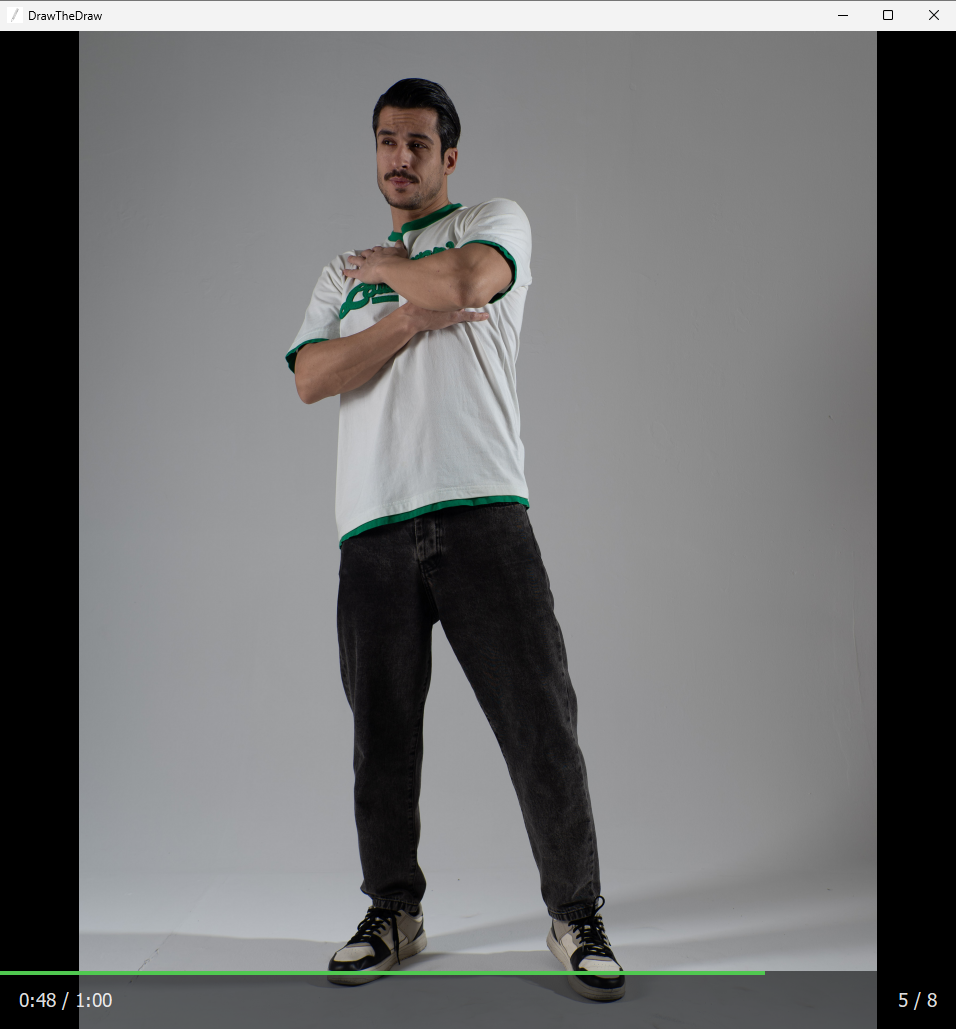
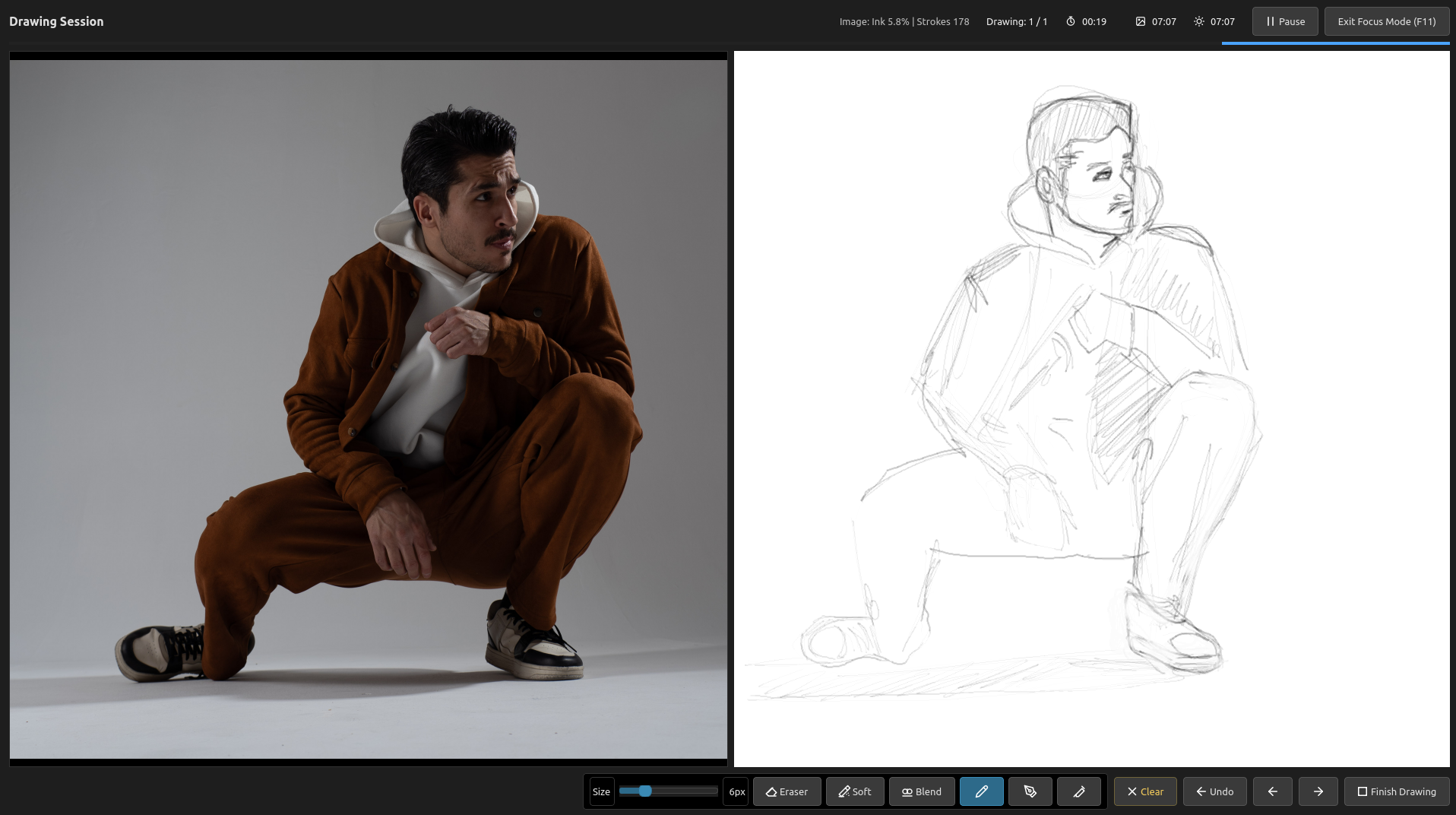
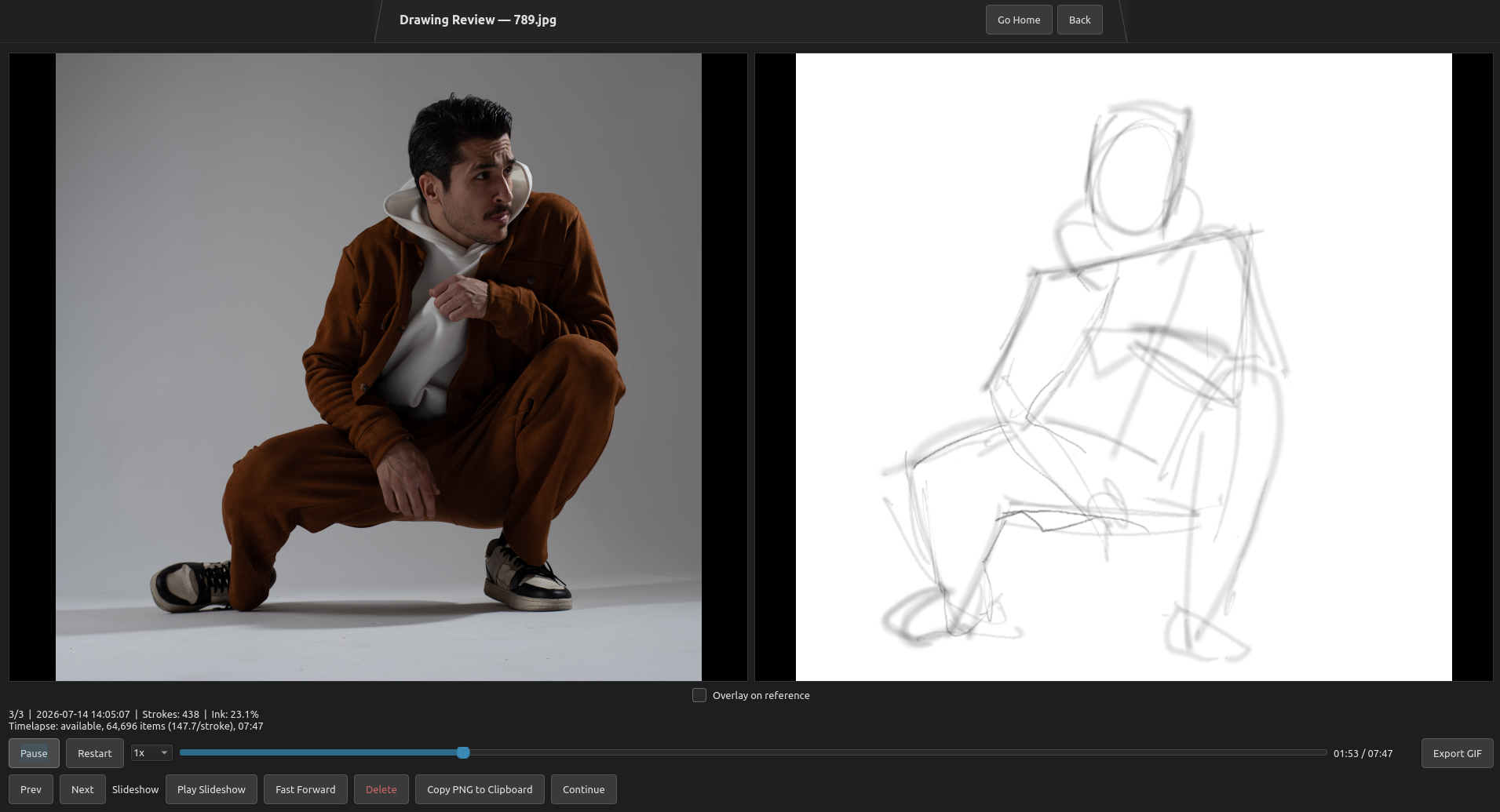
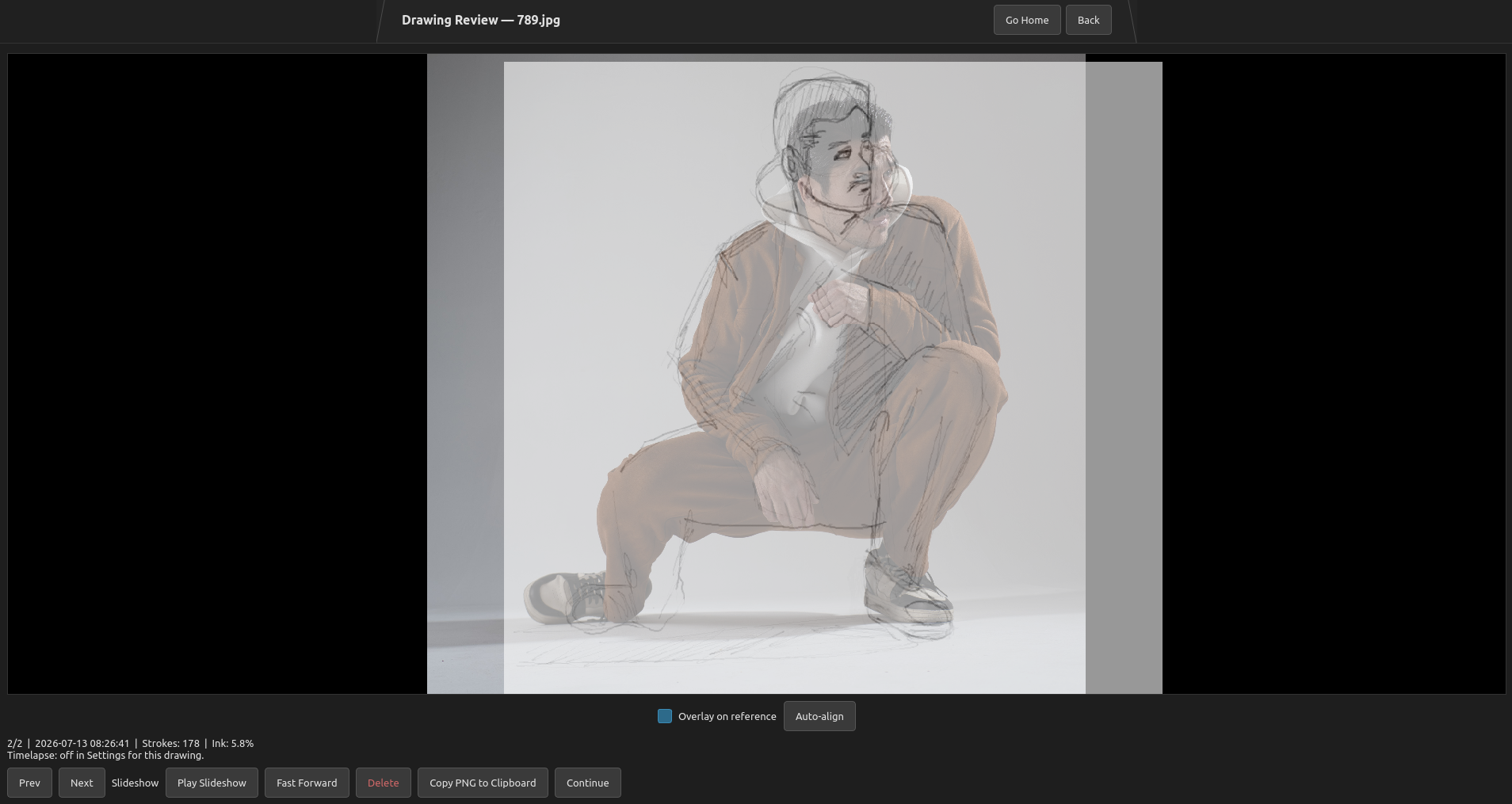
Use side-by-side review, slideshow playback, reference overlay, drawing copy, and experimental timelapse playback and GIF export.
A look inside
Examples of the practice and review screens. Click any screenshot to view it larger. Appearance may vary by release.
Drawing and review tools
- Gesture, Drawing, and Repeat One Image practice flows
- Ink, Pencil, and Airbrush tools with per-brush settings
- Sharp and soft erasers, blur/blend, Clear, and canvas undo
- Right- or left-handed drawing layouts and drawing-session Focus Mode
- Home activity, practice-time totals, daily goals, and optional streak tracking
- Session history, exact-session Redo, saved-drawing Continue, and attempt review
- Side-by-side slideshow, reference overlay, copy, and experimental timelapse/GIF tools
- Local storage for settings, history, reference copies, and saved drawing PNGs
For the details and small workflow behavior, read How to Use DrawTheDraw.
Download
Start with the free demo. It uses the real workflow with smaller limits; the full version removes those caps.
See itch.io for the latest release, download files, release notes, and pricing.
Try the workflow
Demo (free)
One folder, one active session slot, and up to 3 images or attempts. Redo and Continue remain available for the demo seed.
Download DemoRemove the limits
Full version
No demo limits on folders, sessions, images, or attempts.
The full version and free demo are on the same itch.io page.
Open itch.io PagePlatform notes
Windows and Linux. Portable ZIP archives: extract and run, with no installer or separate Python installation required.
Windows: 64-bit. To remove the app, delete its extracted folder.
To erase local data too, delete %APPDATA%\DrawTheDraw.
Linux: 64-bit x86_64, tested on Ubuntu 20.04 and Ubuntu 22.04,
with glibc 2.31 or newer required. To remove the app, delete its extracted folder.
To erase local data too, delete ~/.local/share/DrawTheDraw.
The local data folder contains your session database, saved drawings, and cached reference copies used for review.